Prepare your message
Begin with a short description of the task. For example, explain that you were opening a route, submitting a login form or installing an Android package. State which step failed and what appeared instead of the expected result.
Include the approximate time and timezone. A time without a timezone may be difficult to interpret, especially when the recipient is in another location. If the problem happened more than once, distinguish the latest attempt from earlier ones.
Mention your device and software. Browser access on an Android phone, an embedded messaging browser and an installed application can behave differently. Include version information when it is easy to find, without exporting unrelated device data.
Describe checks already attempted and their results. “Another browser showed the same timeout” is more useful than “I tried everything.” Keep each change separate so the recipient can follow the sequence.
| Detail | What to include |
|---|---|
| Subject | Access, account, app or website information. |
| Affected destination | Hostname and page type, without private tokens. |
| Time | Approximate date, time and timezone. |
| Device and software | Device model, operating system and browser or app. |
| Visible error | Exact wording or a carefully redacted screenshot. |
| Checks completed | Each comparison and its observed result. |
Website access enquiries
If a listed route does not open, identify the route label and destination hostname. Explain whether the browser displayed a timeout, address error, certificate warning or another message. Those results point to different questions.
Mention whether an unrelated website opens on the same connection. If you compared Wi-Fi with mobile data, report the result of each. Do not describe a route as unavailable everywhere based only on one device or network.
If a redirect led somewhere unexpected, describe the final hostname without entering credentials there. Avoid copying private query parameters or account tokens into a message. A screenshot of the relevant address area can help after sensitive information is removed.
The support guide provides initial checks for loading and browser issues. Completing those checks can make a later enquiry more focused, but you do not need to change security settings simply to prepare a report.
Account and registration questions
Distinguish a failed login from a recovery request or registration error. State which process you started and the visible response. You can explain that a password was rejected without including the password itself.
For verification problems, describe the delivery method and whether a message arrived. Do not forward the actual code or recovery link. Follow any resend timer shown by the destination rather than starting overlapping attempts while waiting for a reply.
External account ownership and restrictions cannot be decided through this website’s guides. Use the destination service’s verified recovery or assistance process. If additional information is requested, understand the recipient and purpose before providing it.
Avoid creating another account merely because you cannot access an existing one. Review the destination’s conditions and recovery options first. A new registration does not restore the original account.
App and mobile enquiries
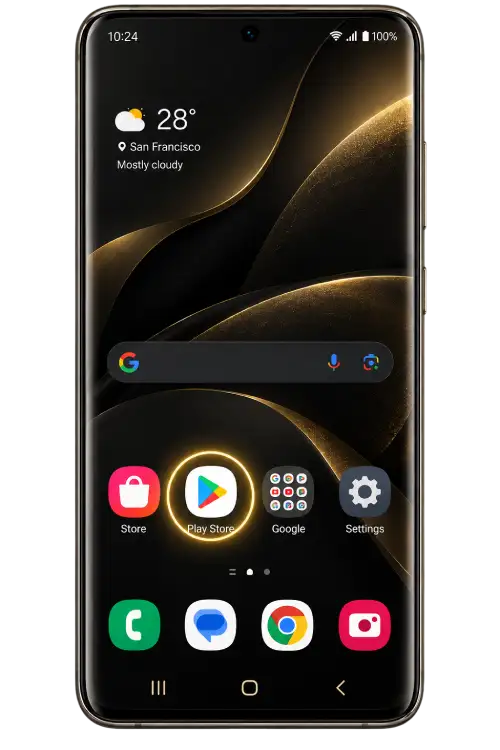
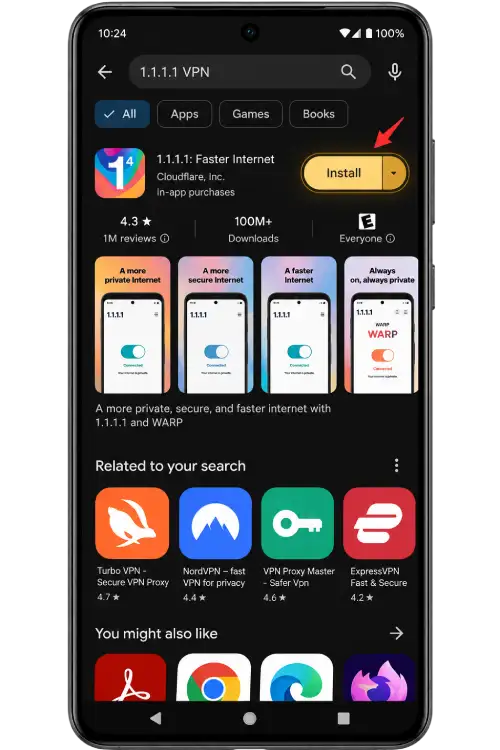
Identify whether the issue occurred during download, installation, first launch or sign-in. Include the operating system and visible application version when available. Record the exact system error rather than interpreting every failure as a network issue.
Describe the package source without sending an unknown executable to a recipient who has not asked for it. A filename is not proof of origin. Avoid trying several unrelated copies while waiting for clarification.
If a security warning appears, read it and include its wording in the report. Do not disable device protection or enable sensitive permissions merely to show that you attempted every possible step.
For display problems, mention screen orientation, browser zoom and whether the keyboard was open. A cropped screenshot can show an overlap without exposing personal messages or account details elsewhere on the screen.
Report website information or link problems
For a question about mayonjl.net, identify the page and the specific wording, image or link involved. A short quotation and a description of what you observed are usually clearer than a general statement that the website is incorrect.
If instructions do not match your screen, include the relevant device and application version. Interfaces can vary across versions. Describe the difference without assuming that every visitor sees the same layout.
A report can highlight information that needs review, but this page does not promise a fixed review schedule or publication outcome. If uncertainty affects a sensitive action, pause that action until you understand the destination’s current instructions.
Check the recipient and conversation type
Read the destination carefully before sending a message. A Telegram profile, Facebook page, direct chat and group invitation can expose information to different audiences. Do not assume every contact link starts a private conversation.
In a group, other members may see messages and parts of your profile. Review the service’s privacy settings and avoid posting account information. If someone contacts you privately after a group post, verify that recipient independently.
A copied name or logo does not establish identity. Be cautious about urgent instructions to disclose a code, install remote-control software or transfer an account to another contact. Stop when the purpose or recipient remains uncertain.
Follow up with clear expectations
Availability and reply times depend on the recipient and channel. This website does not guarantee continuous staffing, immediate replies or resolution of an external account question.
If you follow up, refer to the original issue and explain what changed. Repeatedly sending the same message through several conversations can make the current status harder to understand.
Keep a private record of useful instructions and checks completed. Do not retain exposed passwords or verification codes in that record. Review the privacy information of the external service used for the conversation.
Contact questions
Why are no contact buttons displayed?
Contact buttons appear only when destinations are listed. If none are visible, this website currently provides no direct contact link. Review the support guide and avoid guessing account names from similar profiles.
Can I send a password or verification code?
No. Explain the problem without sharing account secrets. Passwords, one-time codes and recovery links should remain within the intended account process you initiated.
Can this website reset an external account?
No. Password resets, account ownership checks and restrictions are handled by the destination service. Use its verified recovery or assistance process.
What should I include when a route fails?
Provide the hostname, approximate time and timezone, device, browser and exact visible error. Mention whether another network or listed route behaved differently.
Is a reply time guaranteed?
No. Availability and response times depend on the channel and recipient. This website does not publish a guaranteed staffing schedule or resolution time.
Should I trust an unsolicited support message?
Do not assume it comes from the recipient you intended to reach. Open a checked contact destination independently and compare the account identity before sharing information.
How can I report incorrect website information?
Identify the affected mayonjl.net page, quote the relevant wording briefly and describe the difference you observed. Remove private information from supporting screenshots.
Does joining a group keep my enquiry private?
Not necessarily. Group members may see your messages and profile information. Review the destination and its privacy settings before joining or posting personal details.